Stops Not Found
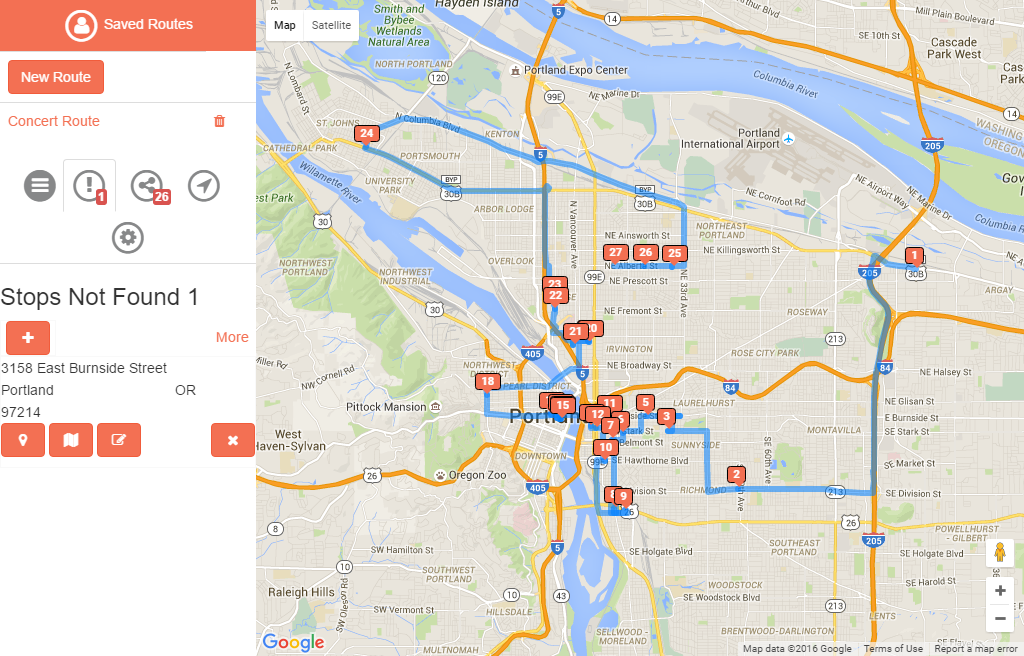
Stops not Found are items that have not been located on the map yet. There are two ways to bring unrouted items into the routed items section.
Pressing the  button will attempt to guess the location automatically. If it is not accurate enough you will be presented with a list of possible choices to choose from. When accepting one, you can then save the location and it will move to the Routed tab.
Pressing the  button will allow you to manually choose the location of this stop, which looks like the following
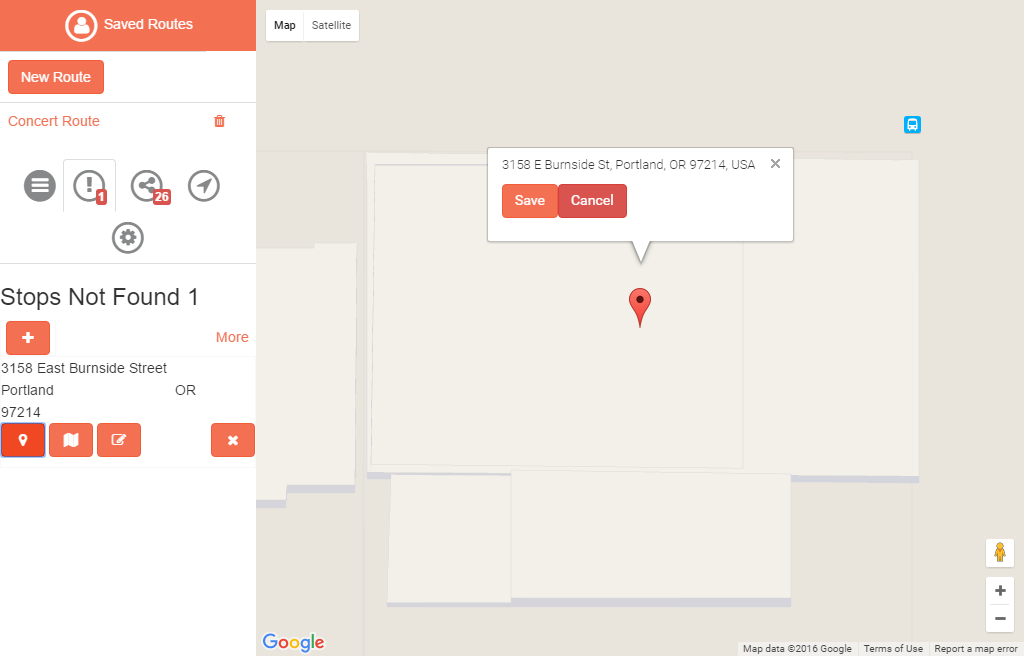
When you are satisfied with the location, you can press ‘Save’ to accept the location and the item will move to the Routed tab.
Pressing the  button, will allow you to modify the address details of this location to possibly improve the location detection methods, it looks like this
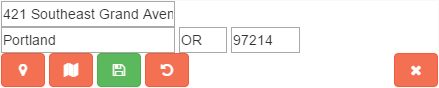
 will accept the changes and
  will restore the original values.
Finally,  will delete this unrouted entry entirely.