Route Items
Here is an example of Route Items
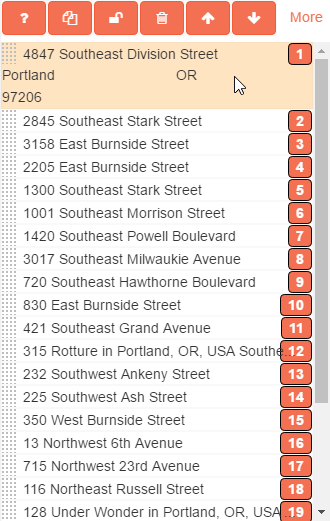
On the left of each item you can drag them up or down to re-order, when doing this your directions will be removed and have to be regenerated. The number on the right is the order that they are in the route.
Across the top are the following buttons
 will force the selected items over to the Stops Not Found section.
 will make a copy of all of the selected items below.
 will reset the selected items back to their original location if you have moved any of them.
 will remove the selected route items.
 will move the selected
items to the top or the bottom respectively.
will move the selected
items to the top or the bottom respectively.